



Meet Kattia, your job-search pipeline.
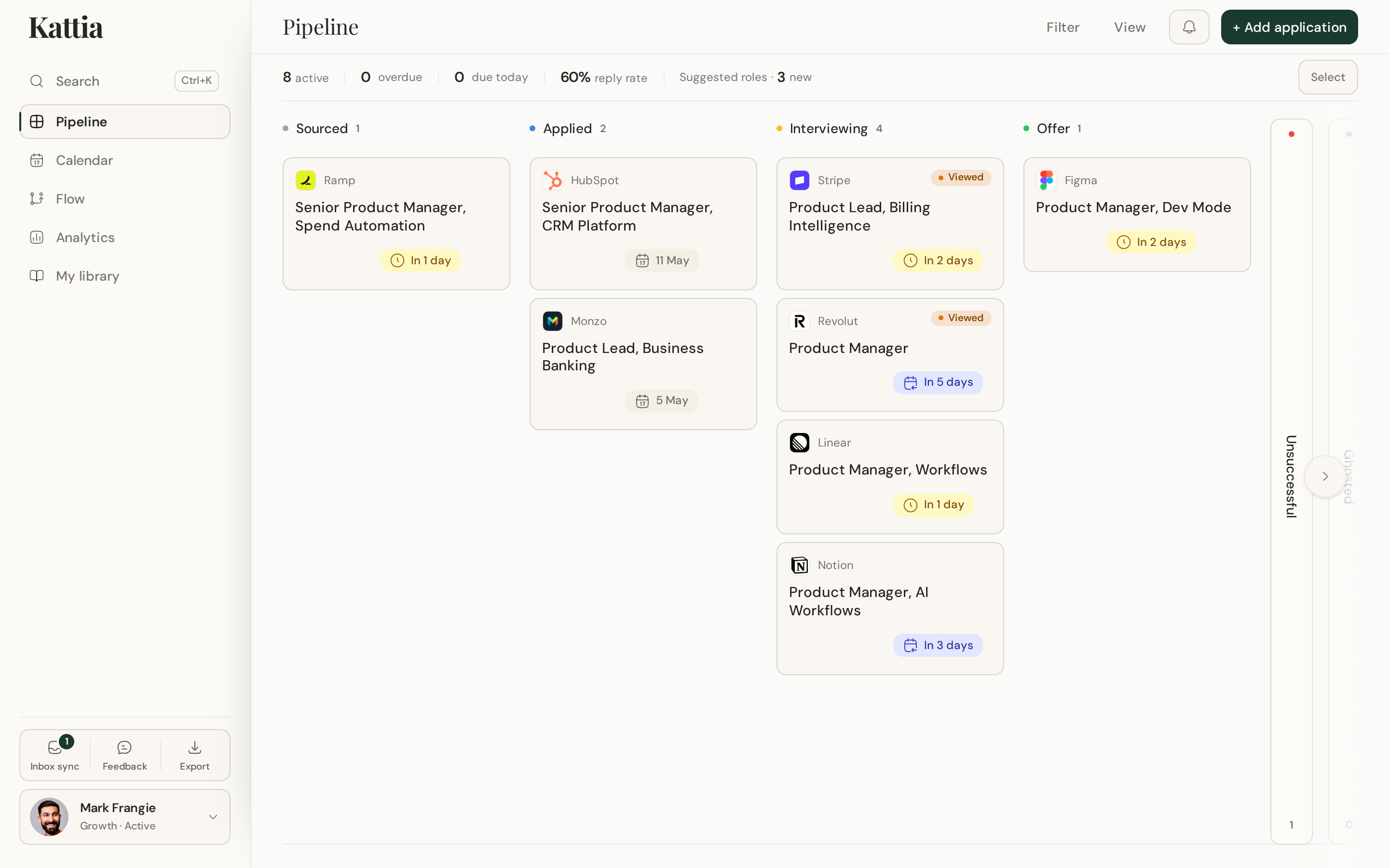
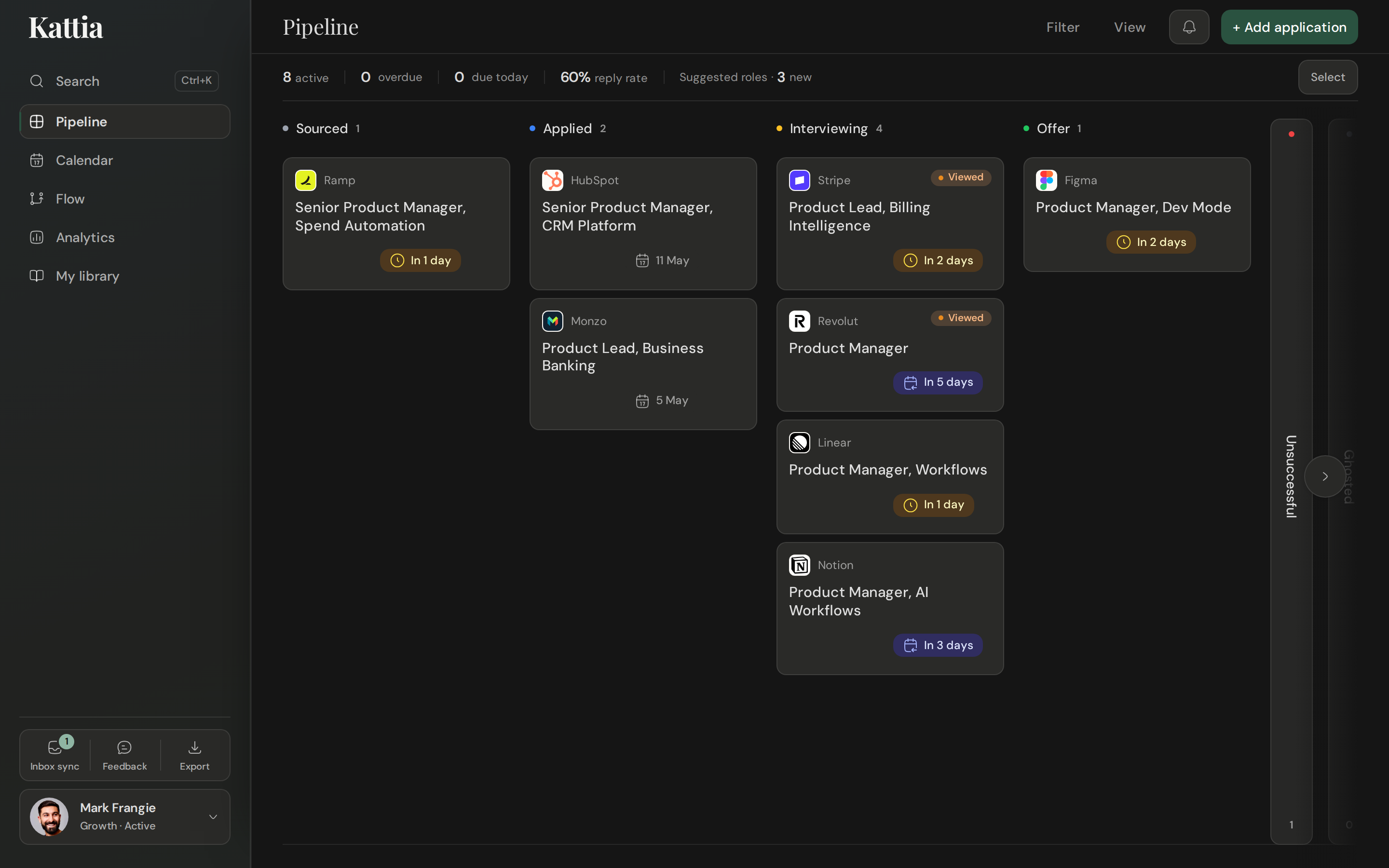
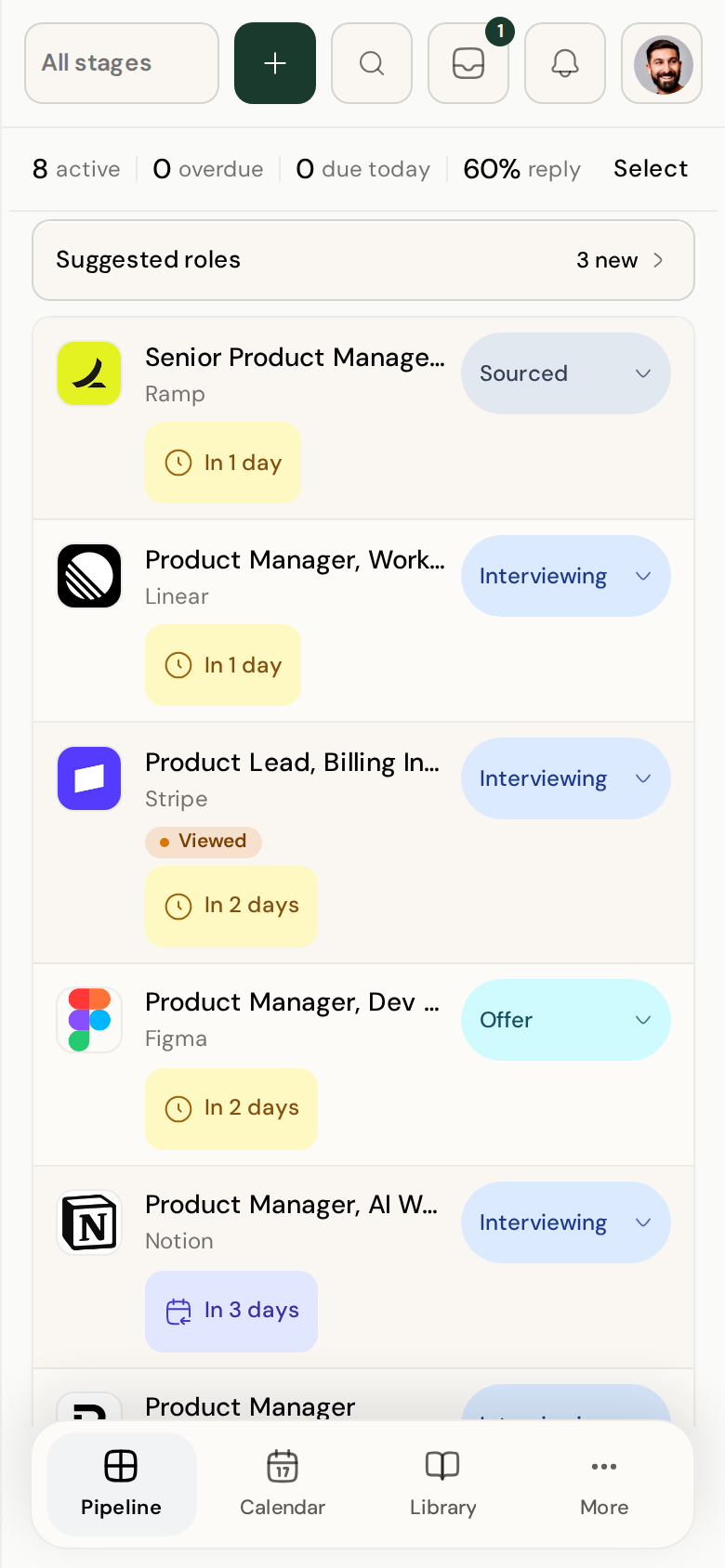
See where every application stands and what to do next.
Sign inif you already have an account.
Your inbox keeps your pipeline up to date.
Kattia adds a role by itself when it's confident an email is about an application, and asks you when it isn't.
The connection to your inbox is read-only.










Sample data
Sort a messy search into an organised system.
- 01
Import
Connect your inbox and Kattia matches each job email to the right application. Or paste a job link, upload a CSV, or type one in.
- 02
Organise
Every application lands on one board with a stage, notes, and a next action. Nothing lives in your head or your inbox.
- 03
Track
Follow-ups surface when they're due, stages stay visible, and every interview builds on the last.
Know what's next for every role.
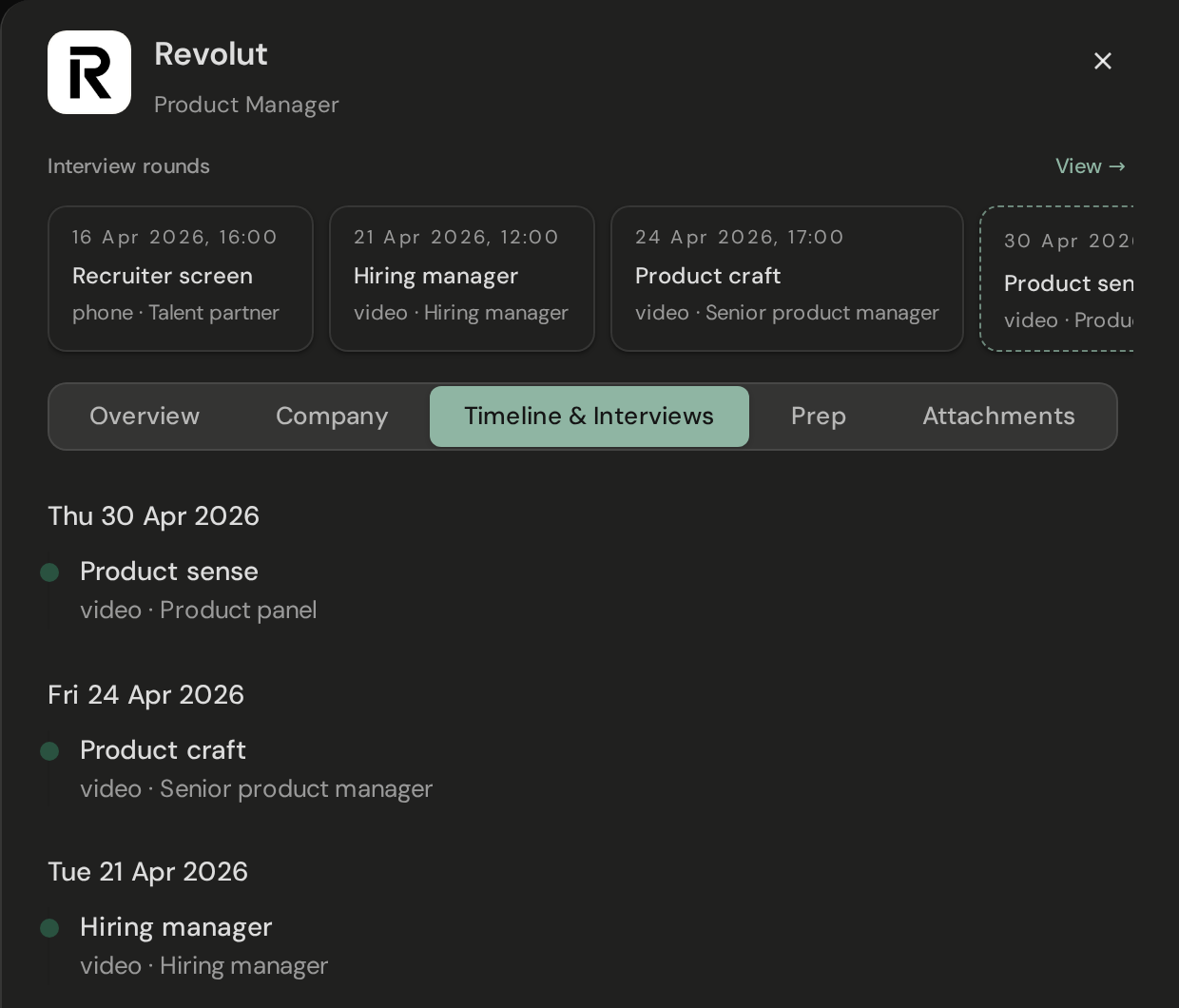
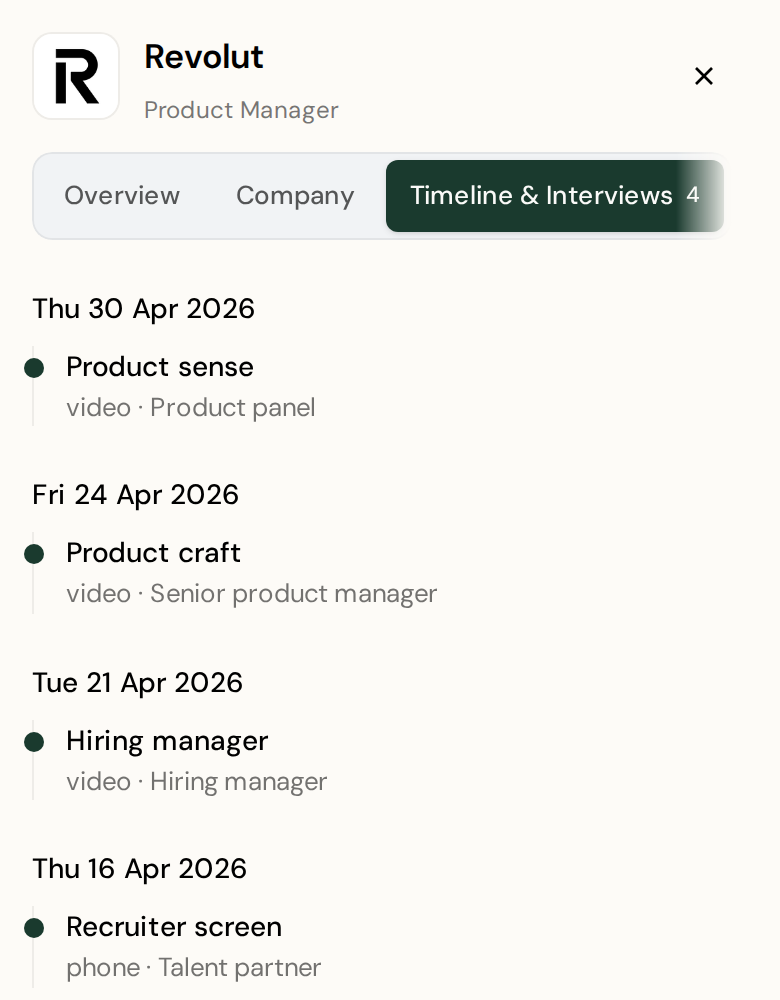
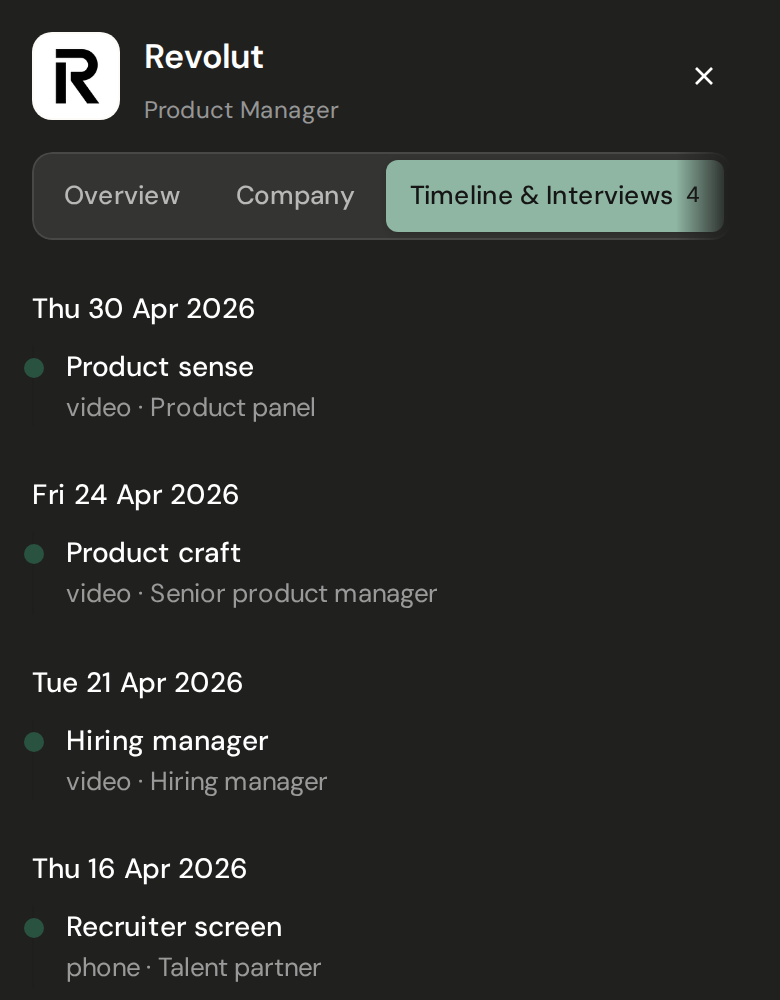
Each application keeps its stage, its next follow-up and your interview notes together. When an interview comes up, everything you need is already there.


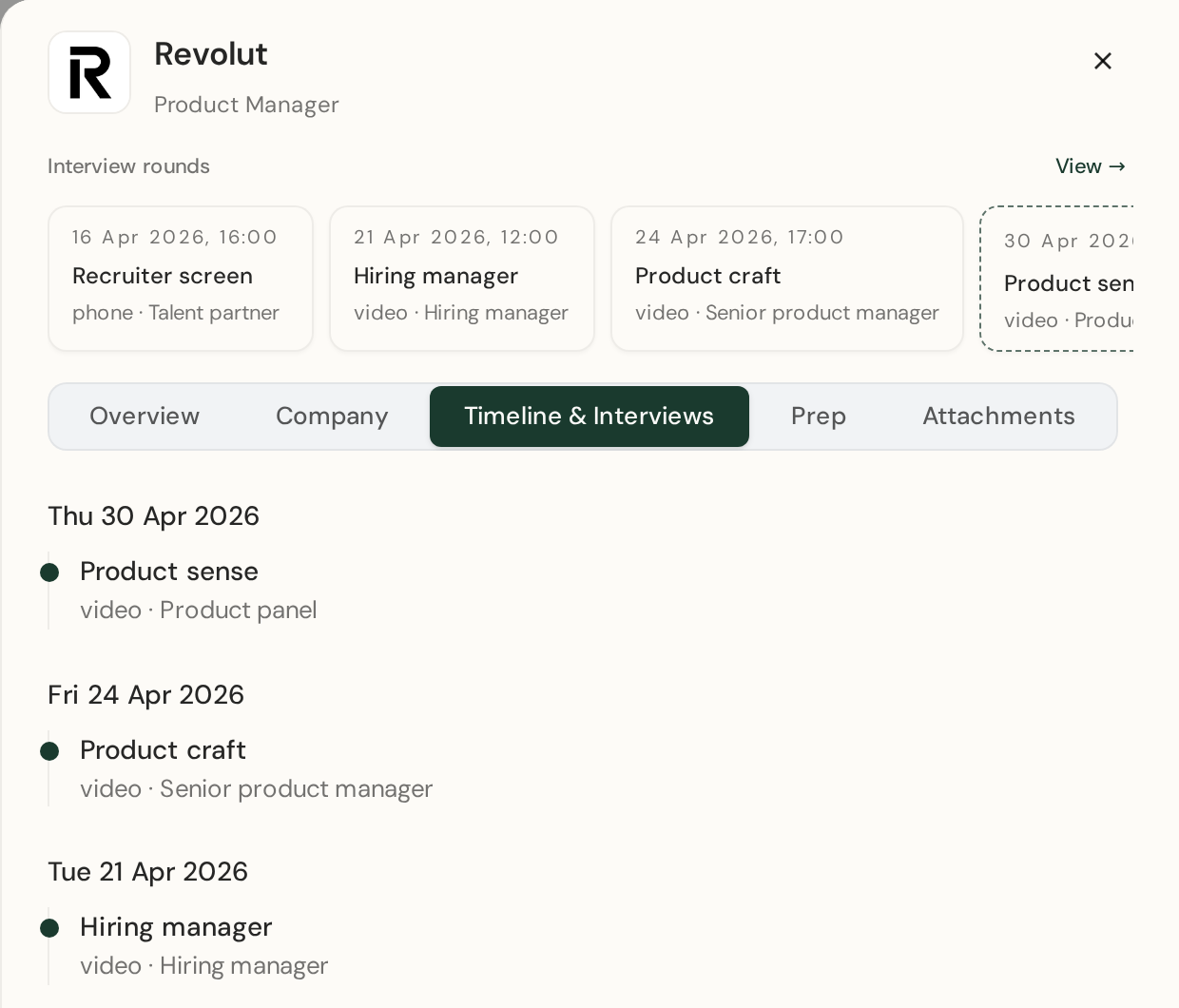
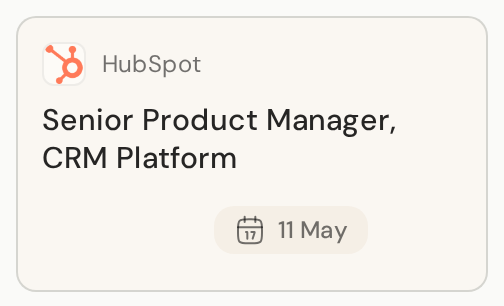
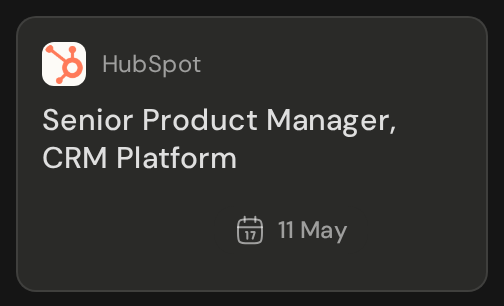
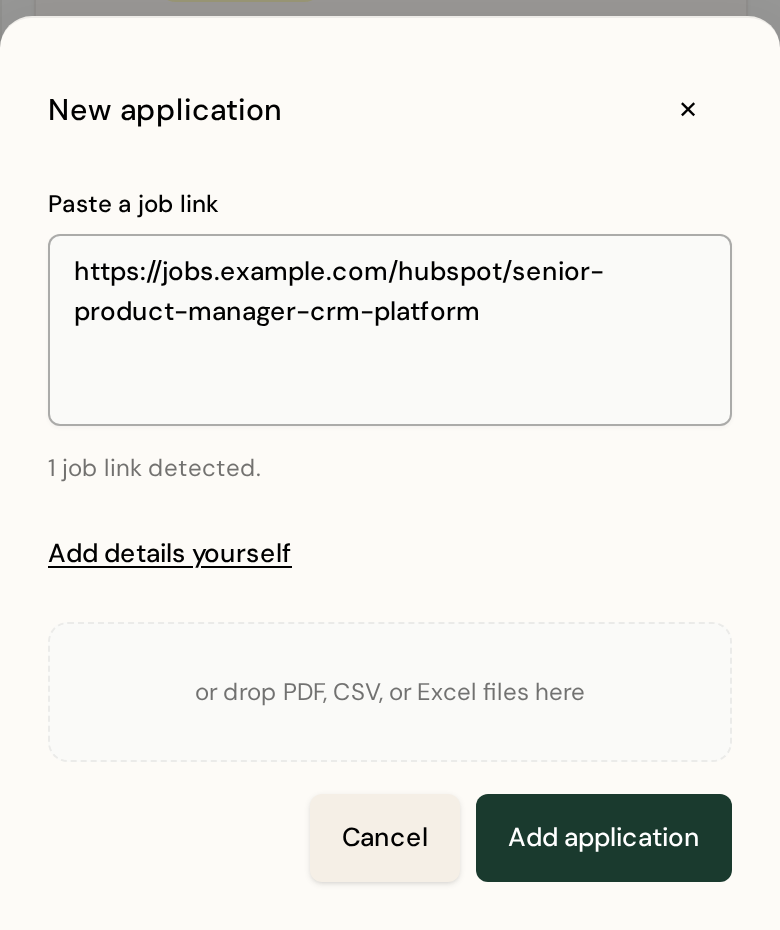
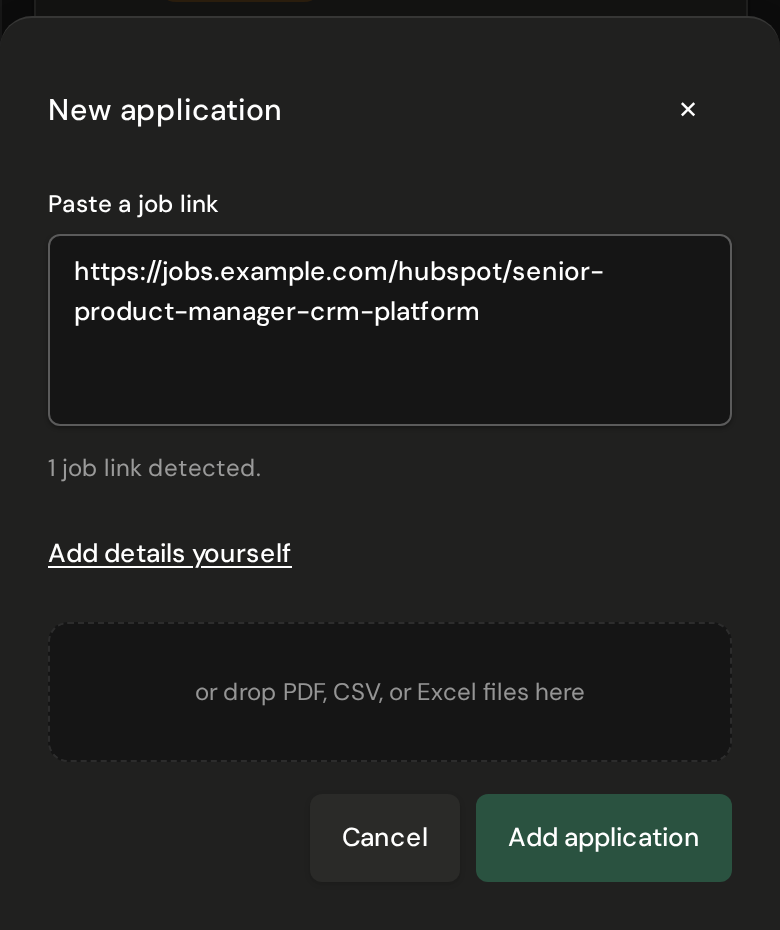
Add a new application by pasting its job link.
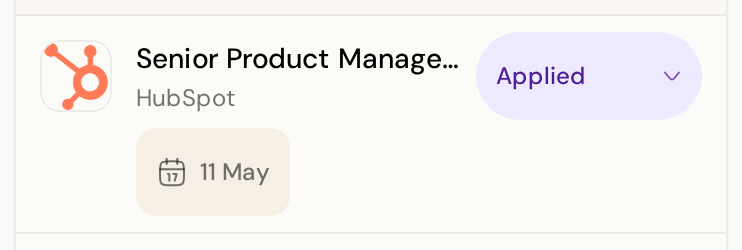
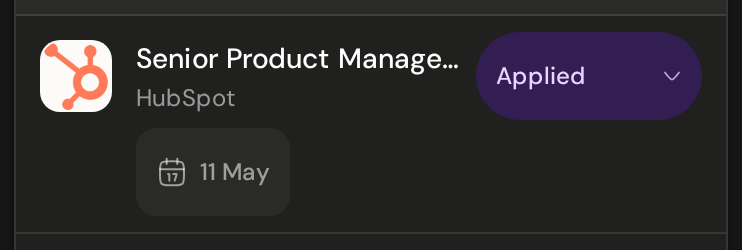
Kattia reads the job advert for you, then adds the role to your pipeline with a suggested follow-up date.


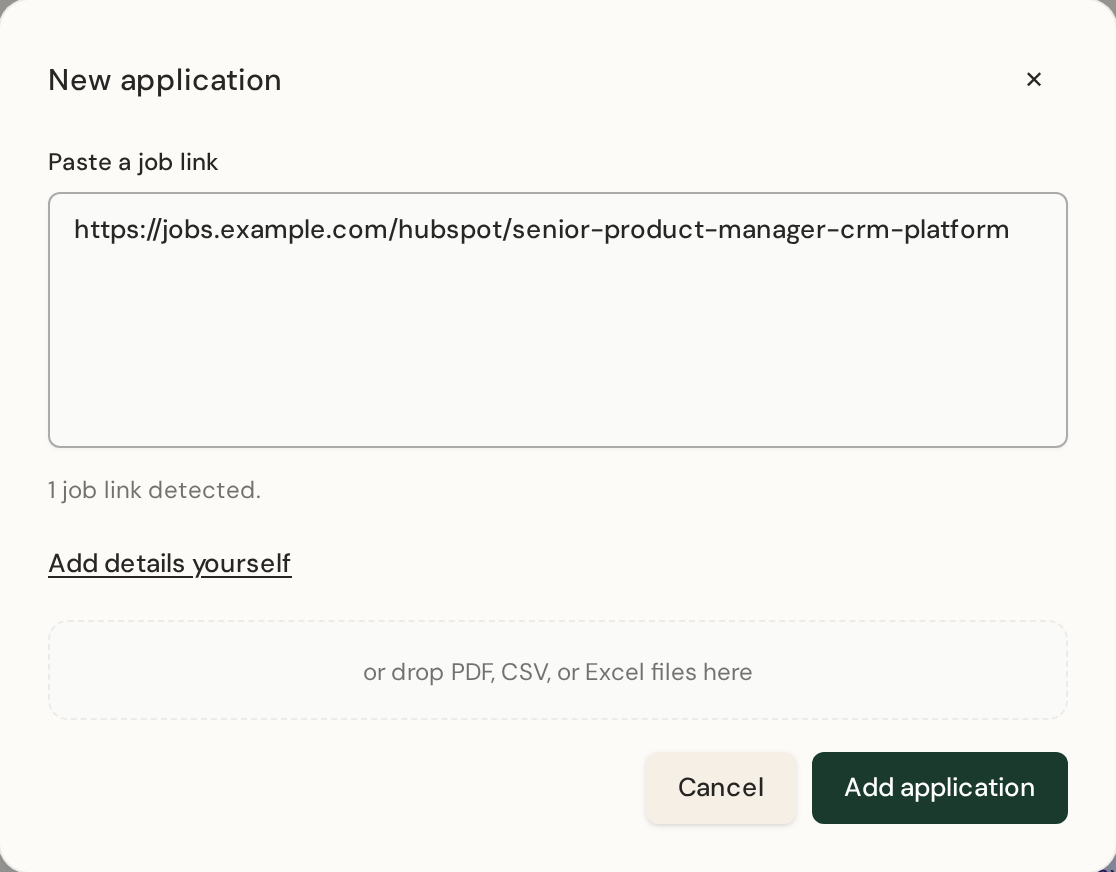
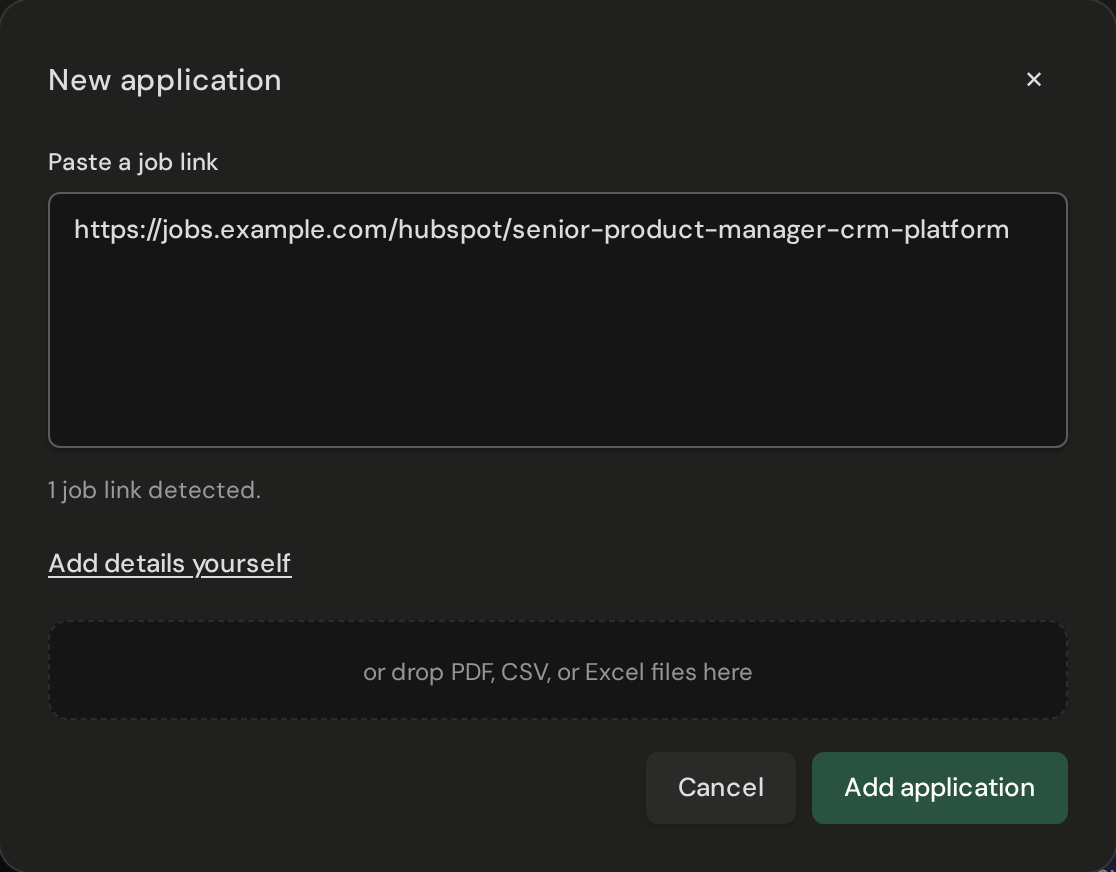
If your applications already live in your inbox, you can connect it instead. The connection is read-only, so Kattia never sends an email on your behalf.
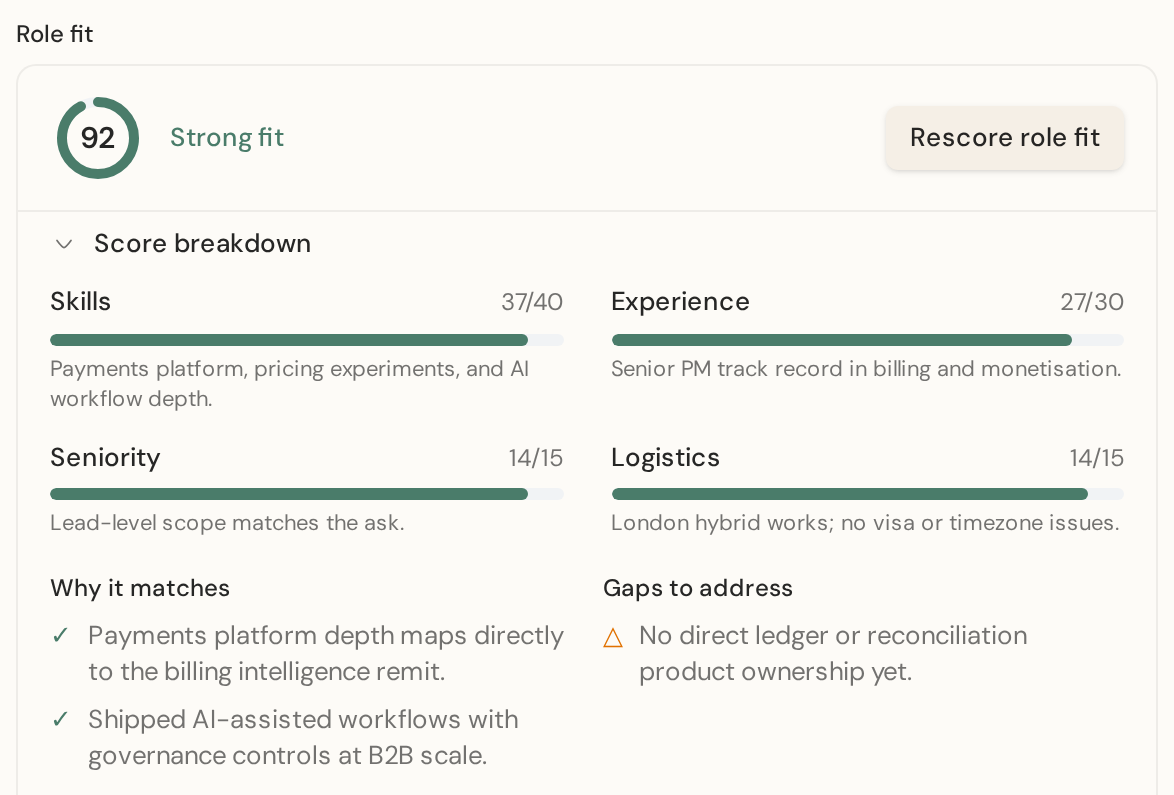
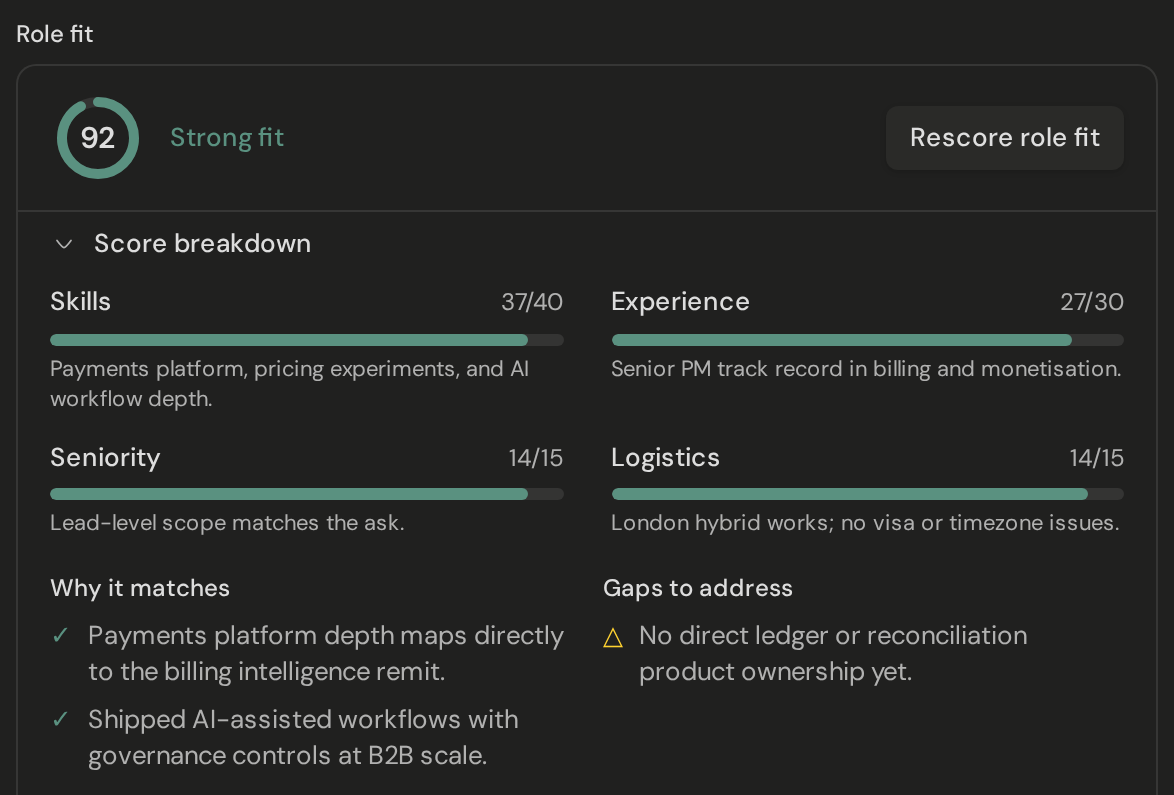
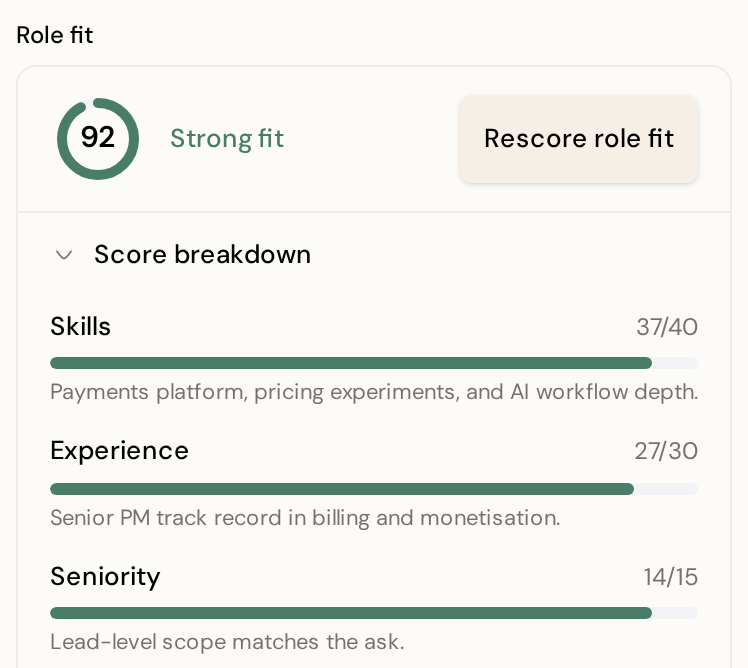
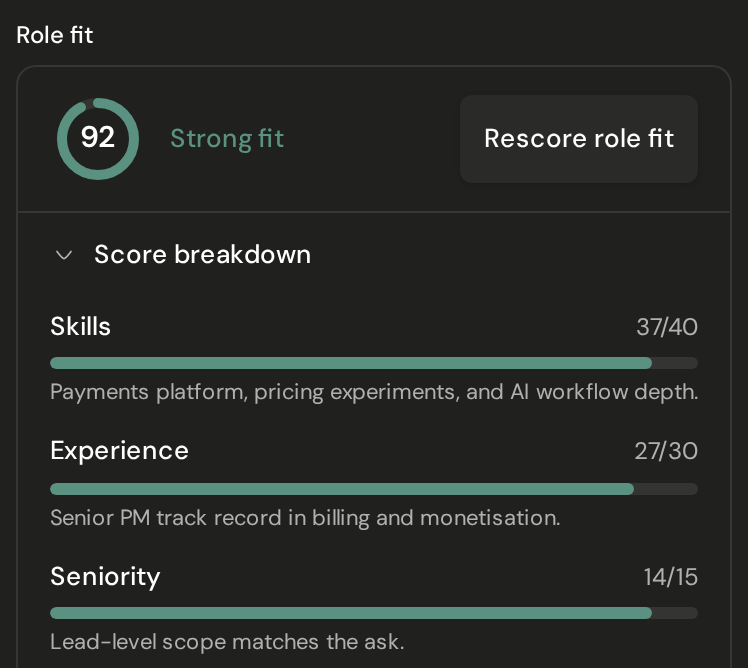
How the connection worksKnow the fit before you apply.
Kattia compares each role with your profile (skills, experience, seniority and logistics) and shows its reasons, so you can decide where to spend your time.


You’re in control, and privacy is built in.

- Connecting your inbox is your choice. You can import your job applications without it.
- The connection is read-only. Kattia never sends an email on your behalf.
- You can disconnect your inbox at any time.
- Your applications are yours to export whenever you like.
Give the search a system.
Are you searching for a new job? Start with the applications you already have.